
Available on iOS and Android
Download the PatientCare app.
Explore healthcare services, plan for care through your Health Account and manage every booking in PatientCare.

Three steps to get started.
Get PatientCare on your phone.
Explore care, review the fee and make every booking through the PatientCare app.
- 1
Set up
Create your account and complete the required profile information.
- 2
Choose
Check the service, provider, location and price.
- 3
Book
Submit through PatientCare and follow the confirmation steps.
Stuck on a step? Read the setup guide or talk to our team.
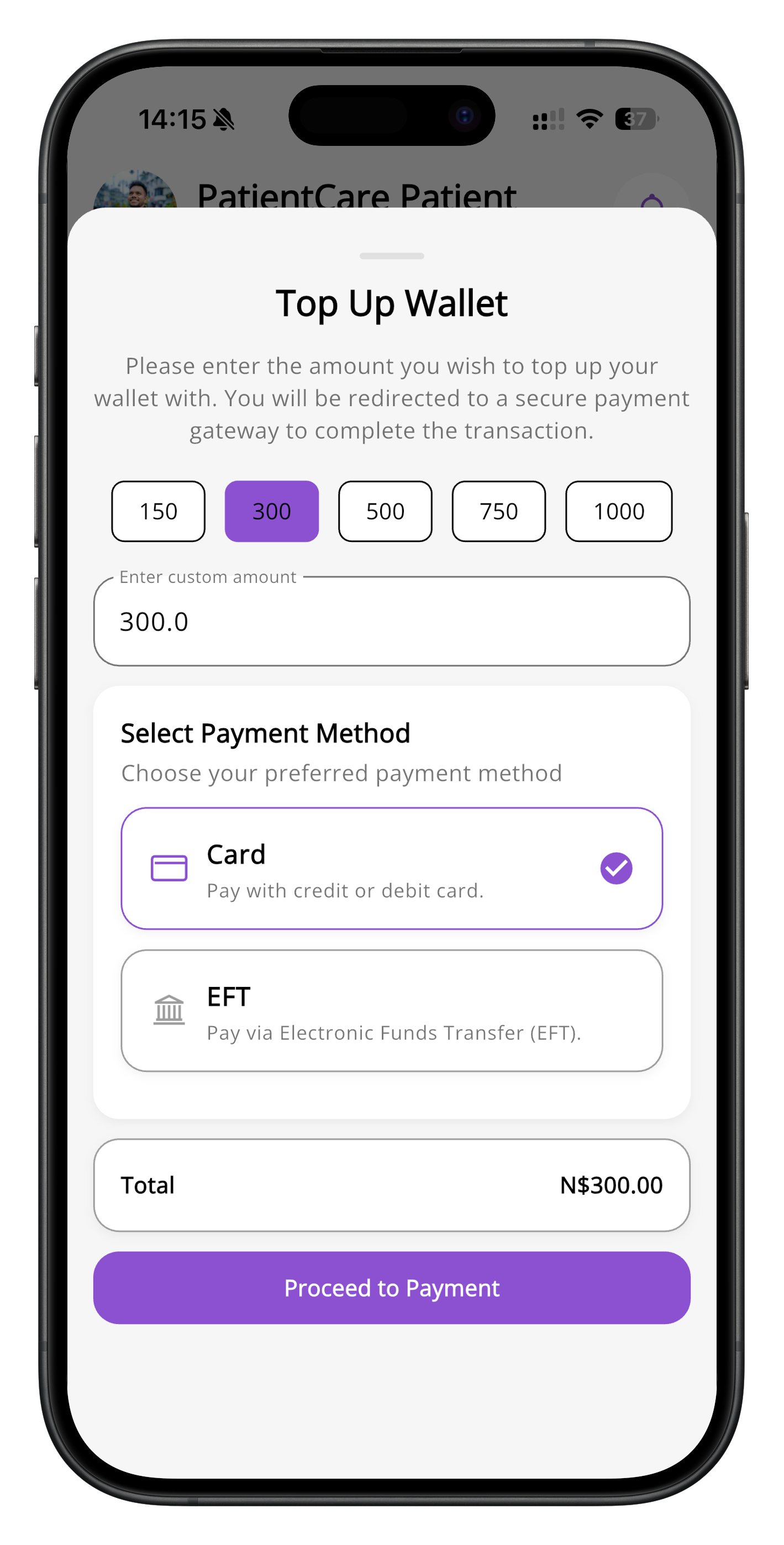
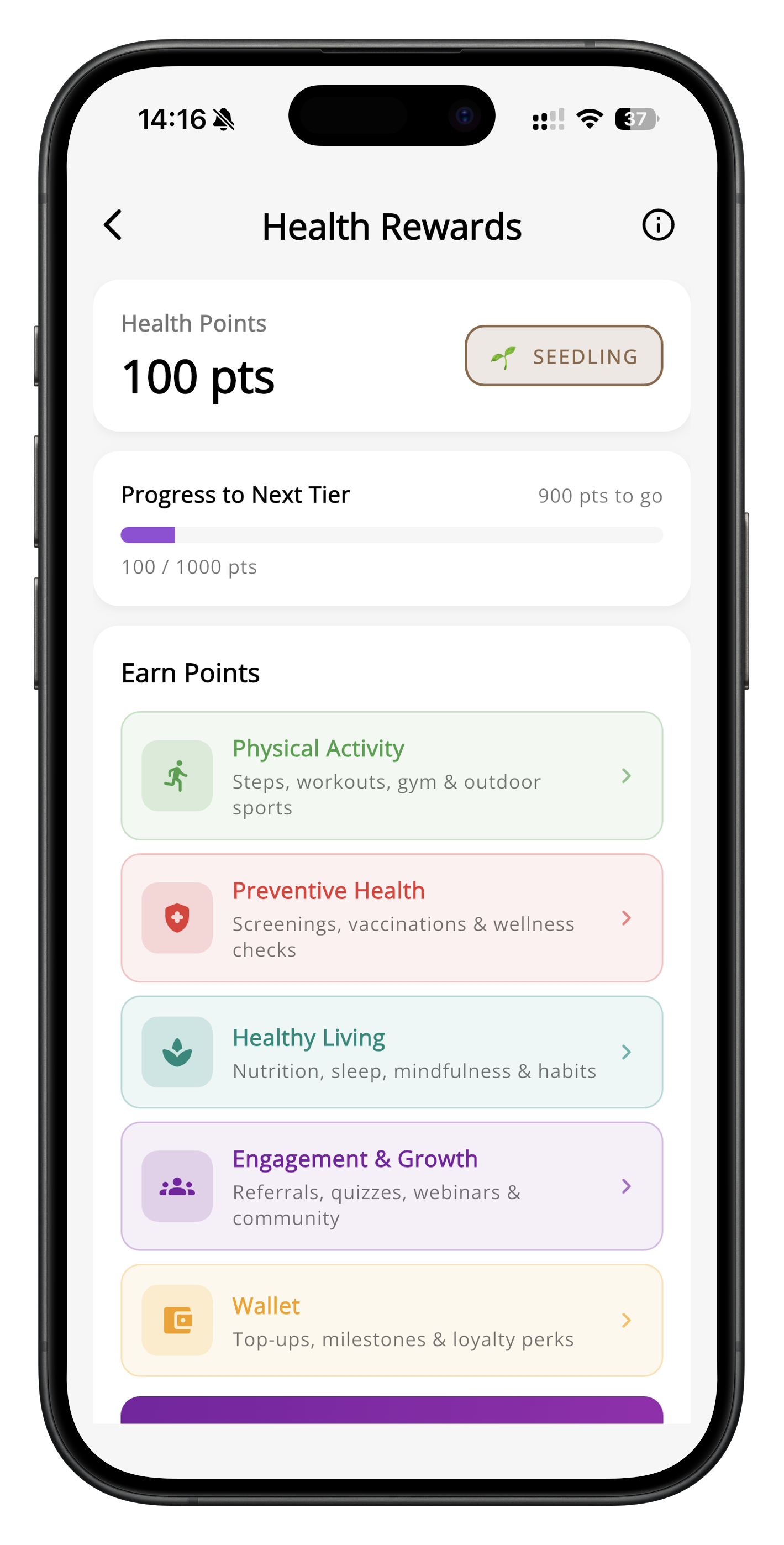
Health Account and Health Rewards screens · App previews
Any device, one account
A little closer to care.
Get the app, complete your profile and explore care. Talk to our team if you need help getting started.