
Know what comes next.
Check the service price, provider availability and any balance requirements in the app. A Health Account top-up adds value for care; it is not a subscription payment.
Review consultation pricesYour Health Account
Health Units are prepaid healthcare service credits. Your Health Account brings your balance and your next steps towards care into one place.
Get the PatientCare app and complete your profile. Add family members if you are arranging care for them.
The app guides you through the required profile information and identity review. Medical aid details are optional. Complete each family member's profile before booking for them.
Explore the services and providers available to you. Check the location, appointment options and price.
Choose who the appointment is for and review the available providers. If the service you need is not clear, ask our team before adding funds or making arrangements.
Review the fee and submit your booking in the PatientCare app. Clinic requests need confirmation from the clinic.
All bookings are made and managed through PatientCare. Follow the payment and balance requirements shown for your selected service. For a clinic visit, submit your preferred date and time, then track the request in History and wait for confirmation before attending.
Plan your care. See the price first.
One Health Unit carries N$1 of healthcare service value. Check the service, provider and final total in PatientCare before booking. PatientCare is not medical aid or insurance.
Check the service price, provider availability and any balance requirements in the app. A Health Account top-up adds value for care; it is not a subscription payment.
Review consultation pricesIf a payment is pending or the service you need is unclear, ask our team before paying again or making a booking.
Three steps to get started.
Explore care, review the fee and make every booking through the PatientCare app.
Set up
Create your account and complete the required profile information.
Choose
Check the service, provider, location and price.
Book
Submit through PatientCare and follow the confirmation steps.
Stuck on a step? Read the setup guide or talk to our team.
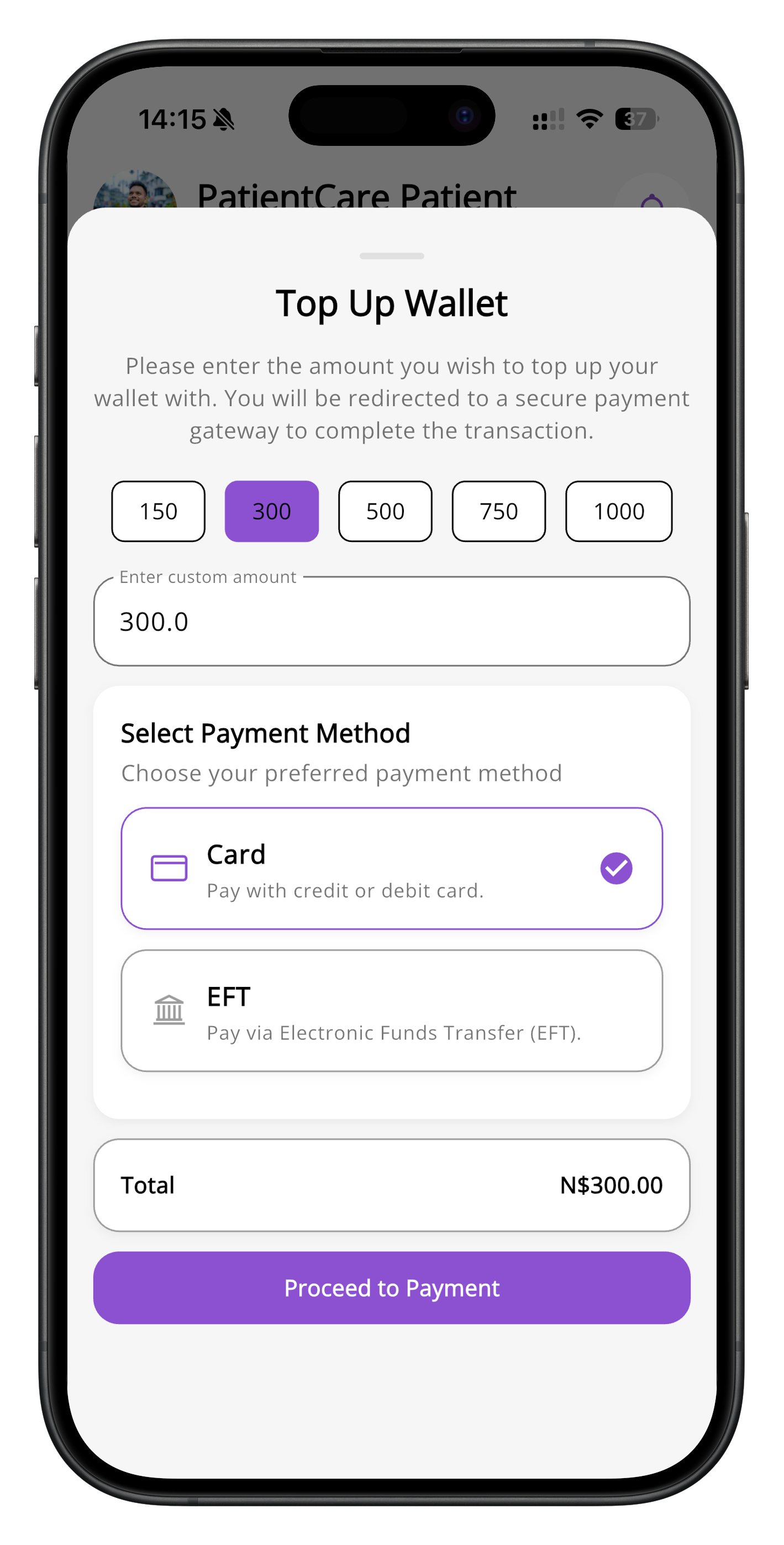
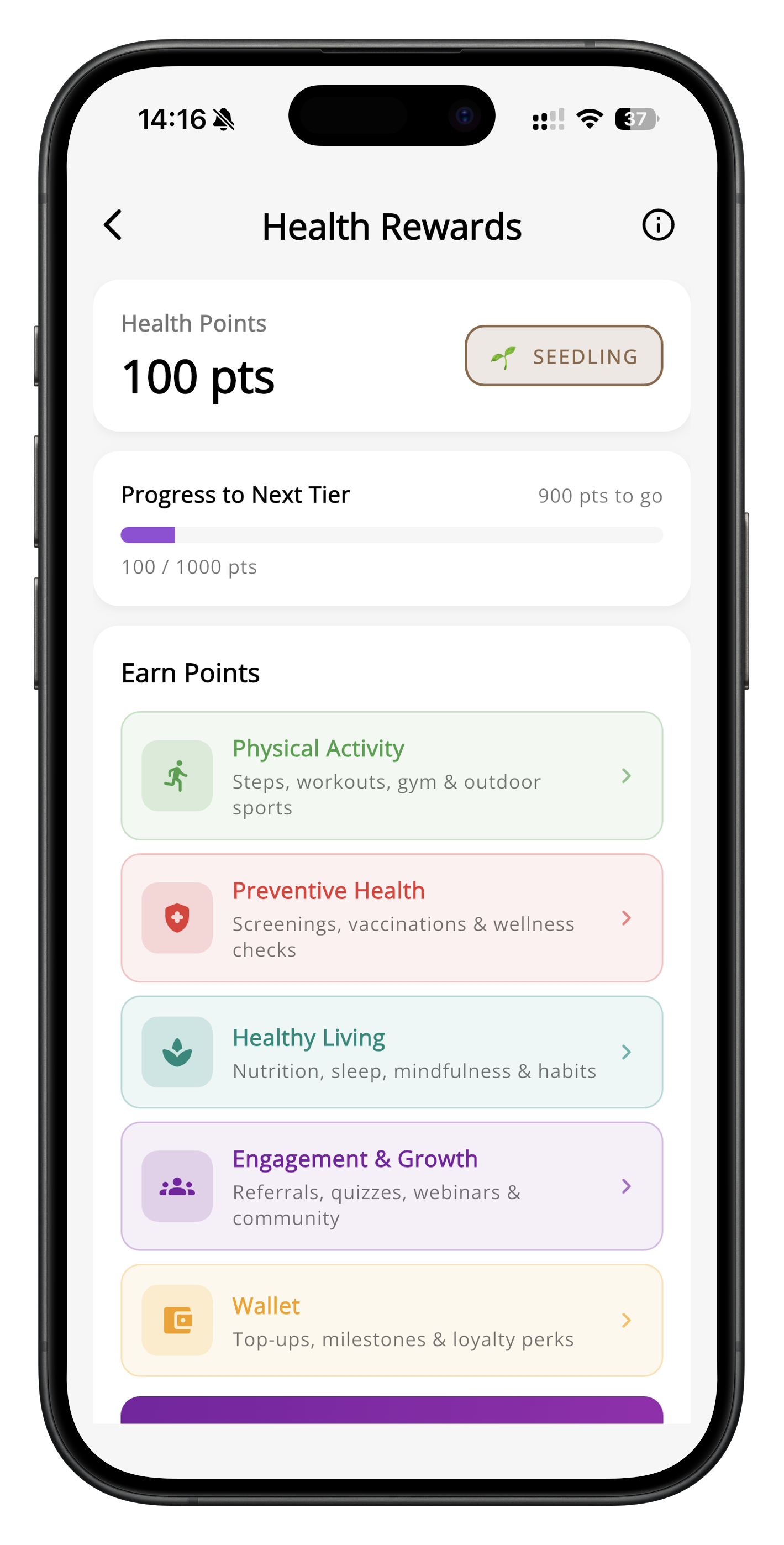
Health Account and Health Rewards screens · App previews
We use analytics cookies to understand how the site is used and improve it. You can accept or reject them. See our Privacy Policy.