
Help centre
How can we help you today?
Step-by-step guides for getting started on PatientCare, answers to common questions, and quick ways to reach a human when you need one.
Frequently asked questions
From your first top-up to caring for your family. Choose a topic to find your next step.
Getting started
Find your first step and understand where PatientCare fits.
How do I join PatientCare?
For yourself or your family, start in the PatientCare app. Create an account and follow the profile checklist. You do not need a separate paper application form. Business and provider enquiries have their own routes on this website.
Read the account setup guideIs PatientCare medical aid or insurance?
PatientCare is a prepaid healthcare-access platform, not medical aid or insurance. Your Health Account holds Health Units to use towards available healthcare services. You can use PatientCare whether or not you have medical aid.
Explore your Health AccountCan I finish signing up without medical aid?
Yes. Medical aid details are optional in the profile flow. If you do not have medical aid, choose Skip for now at that step and complete the remaining required information.
See the profile checklistDo I need to complete my profile before booking care?
Yes. Follow the checklist in the app to complete the required profile steps, including identity verification and health information. If a document is still under review, check its status in the app or ask support for help.
Get help completing your profileCan someone help me or a family member get started?
Yes. Contact our team for help with registration and using the app. If you are helping another adult, involve them and get their permission before entering their information. Our team can explain the next step if you are unsure which account to set up.
Ask for help getting startedHealth Account & payments
Understand your balance, top-ups and the cost of care.
What are Health Units?
Health Units are prepaid healthcare service credits held in your PatientCare Health Account. You use the available balance towards eligible services. Check the service, its price and the applicable terms before topping up or booking.
Read the Health Account guideIs a Health Account top-up a subscription fee?
A Health Account top-up adds prepaid value for healthcare. It is not a subscription payment. Your top-up is credited to the balance you use towards services, so check each service's price before booking.
See how to top upHow do I pay, and how much does care cost?
Standard consultation fees are N$70.00 for online nurse consultation, N$150.00 for online GP consultation, N$200.00 for online therapy & counselling, N$300.00 for online clinical psychology, N$200.00 for nurse home visit. These are per-consultation totals, including the platform fee. Clinic-specific fees and the final total are shown in PatientCare before you confirm. One Health Unit carries N$1 of healthcare service value. All bookings go through PatientCare; follow the payment and balance requirements shown for your selected service.
See consultation pricesWhat if my payment is pending or my top-up is missing?
Check your payment status and Health Account balance before paying again. If the amount was deducted but your balance has not updated, contact support with the date and amount. Never send your password, card security code or one-time login or payment code.
Get payment supportCare for you & your family
Plan for the people you care about and check service availability.
Can I book care for my family?
Yes. Add family members through the app's dependants flow and complete the required profile information for each person. Choose the correct family member when starting a booking. Available Health Units can be used towards their care.
Read the family member guideCan I ask about pregnancy-related care?
Yes. Ask our team which pregnancy-related consultations are currently available in your area, what they cost and how to book. Confirm the specific service before adding funds for it; joining PatientCare does not provide maternity insurance cover.
Ask about available servicesHow do I book a clinic visit?
All clinic bookings go through the PatientCare app. Choose Find a Clinic, select the clinic and submit your preferred appointment date and time. Review the fee and any balance requirements before submitting. Track the request in PatientCare and wait for the clinic to confirm before attending. Contact our team if you need help using the booking system.
Explore clinics and locationsCan I use the website contact form to book an appointment?
Appointments are booked and managed through the PatientCare app. The website contact form, email and WhatsApp are for questions and support with using PatientCare. Open the app to choose a provider or clinic, review the fee and submit your booking.
Get PatientCare to bookCan I book a nurse or a home visit?
Check the services shown for your area in the app, or ask our team. Nursing and home-visit options depend on the service, location and provider availability. Confirm the appointment time, address and fee before booking.
Ask about care in your areaWhat if I need a specialist?
Ask our team which specialist services are currently available and whether a referral is needed for the service you want. Confirm the provider, booking steps and current fee before making arrangements.
Ask about specialist servicesHow can I check a provider's professional details?
Open the provider's profile in the booking flow to see information such as their experience and languages. If you need to confirm a professional registration or a service before booking, ask our team for the relevant details.
See how to choose a providerWhat is the Digital Health Passport?
The Digital Health Passport brings your consultation information and related care documents together in PatientCare. If you cannot find information from a consultation, contact support for help locating it in your account.
Get help with your accountWorkplaces & practices
Explore support for employees, providers and clinic teams.
Can my employer contribute towards care?
Yes. Businesses can discuss allocating Health Units to employees through a workplace arrangement. Employees can also contribute to their Health Accounts. Our team can explain the options for your organisation, including staff who already have medical aid.
Explore PatientCare for BusinessHow do we arrange PatientCare for our team?
Tell us your approximate team size, locations and preferred start date. We can discuss your goals and a suitable Health Account arrangement. Ask for a written proposal covering contributions, services, billing and contract terms before you decide.
Discuss your workplace needsCan we see the Practice & Clinic Portal before deciding?
Yes. Request a walkthrough and tell us about your practice's services, staff and patient journey. We can review what the portal already supports, what needs configuration and what would need additional development, then agree the scope with you.
Pre-register your practiceHow can I join as a healthcare provider?
Start with the provider application on this website. The team can explain onboarding and the required documents. Provider setup includes a professional profile and review of the information and credentials you submit.
Start a provider applicationAccount help & privacy
Get help with account changes and your information.
Can I change the email address on my account?
Your sign-up email is your login and cannot be changed in the app. Contact support if you used the wrong address or need help accessing it. Never share your password or verification codes in a support message.
Contact account supportHow do I ask to close my account?
Contact support using the email address linked to your PatientCare account. The team can explain the verification and next steps, including any questions about remaining Health Units. You do not need to include medical records in the initial request.
Ask about closing your accountWhere can I read how my information is handled?
Our privacy policy explains what information PatientCare collects, how it is used and shared, and how to contact us about your data. Use the app's profile and consultation flows for health information; keep general website enquiries to the details needed for support.
Read the privacy policyTroubleshooting
I cannot log in
If you signed up with Google or Apple, use that same button to sign back in rather than an email and password. If you use email and password, tap Forgot password? on the login screen to reset it.
My Home, Health Account, and History tabs are locked
Your profile is not 100% complete yet. Open the checklist and finish any remaining steps. Everything unlocks the moment your profile is complete.
My ID document was rejected or says In review
If it is In review, no action is needed, we will notify you. If it was rejected, open the checklist, go to Identity Verification, and submit a clearer photo of a valid government-issued ID with the whole document visible and in focus.
A payment or top-up did not go through
Check the payment status and your Health Account balance before paying again. If the amount was deducted but is not showing in your account, contact support with the date and amount. Never share your password, card security code or verification codes.
Three steps to get started.
Get PatientCare on your phone.
Explore care, review the fee and make every booking through the PatientCare app.
- 1
Set up
Create your account and complete the required profile information.
- 2
Choose
Check the service, provider, location and price.
- 3
Book
Submit through PatientCare and follow the confirmation steps.
Stuck on a step? Read the setup guide or talk to our team.
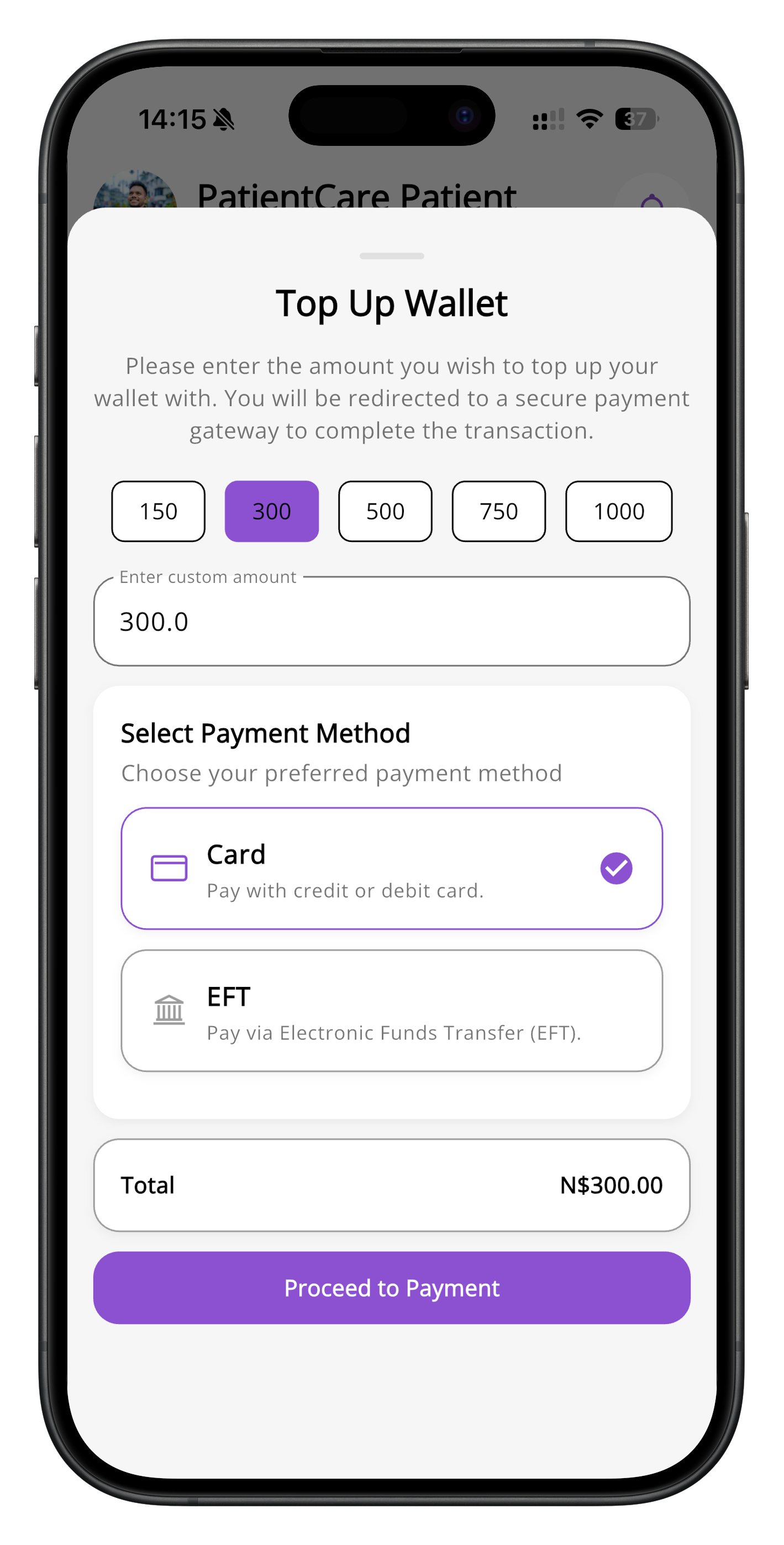
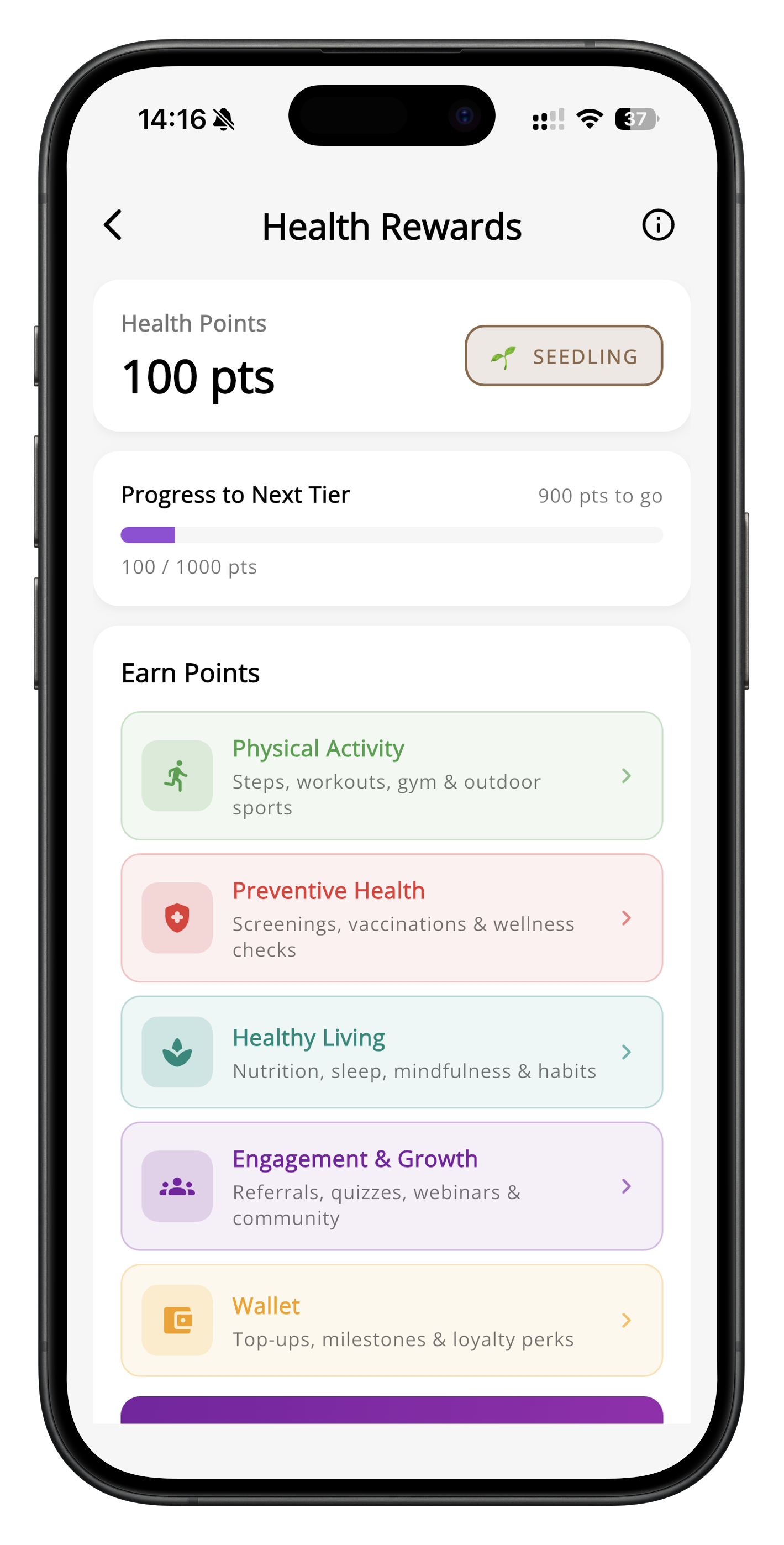
Health Account and Health Rewards screens · App previews
Still stuck?
Talk to a human
Our team is happy to help. Reach us whichever way is easiest for you.